The playable build
Download the ZIP, extract the whole folder, and open Dungeon Crawler.exe. It includes its runtime and assets and plays offline.
Portable Windows build · 163.8 MB · v0.1.0
Download Windows build ↓ STUDIOS / GAMING
ZYEL STUDIOS / GAMING / 01
WORKING TITLE · PLAYABLE PROOF OF CONCEPT
A ranger, a ruined vault, and room to move. Double jump the gantry gap, roll in any direction, sprint out of a forward roll, and light up the firing range.
Desktop keyboard + mouse. No account required.
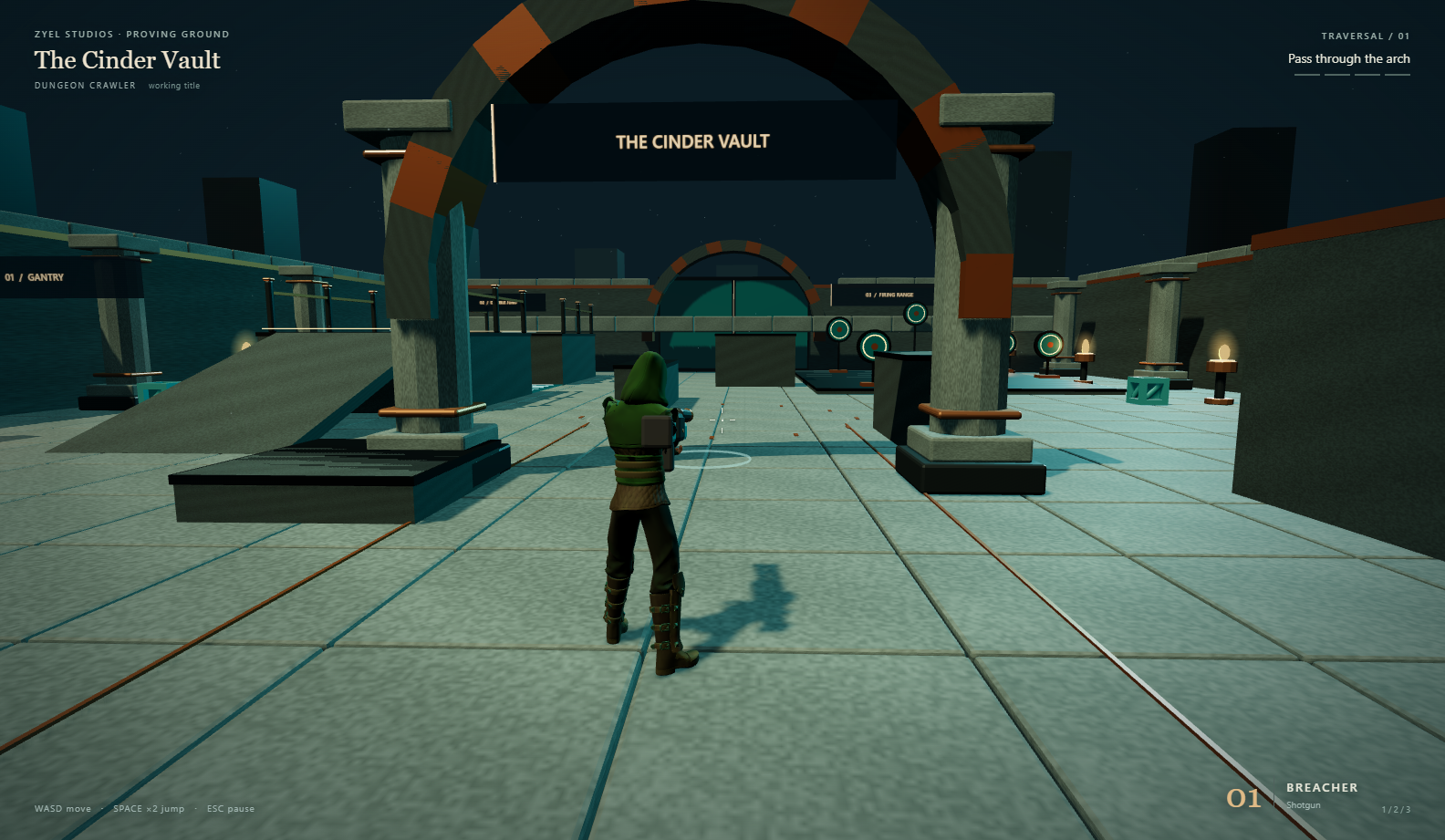
A SMALL SLICE OF ACTION
Follow the beacons through a compact arena of ramps, platforms, cover and reactive targets. One shared character rig carries three finishes and a choice of shotgun, machine gun or flamethrower.
FROM THE PLAYABLE BUILD
Captured from the packaged Windows build on Ryzel. The demonstration uses real game controls; labels identify each action.
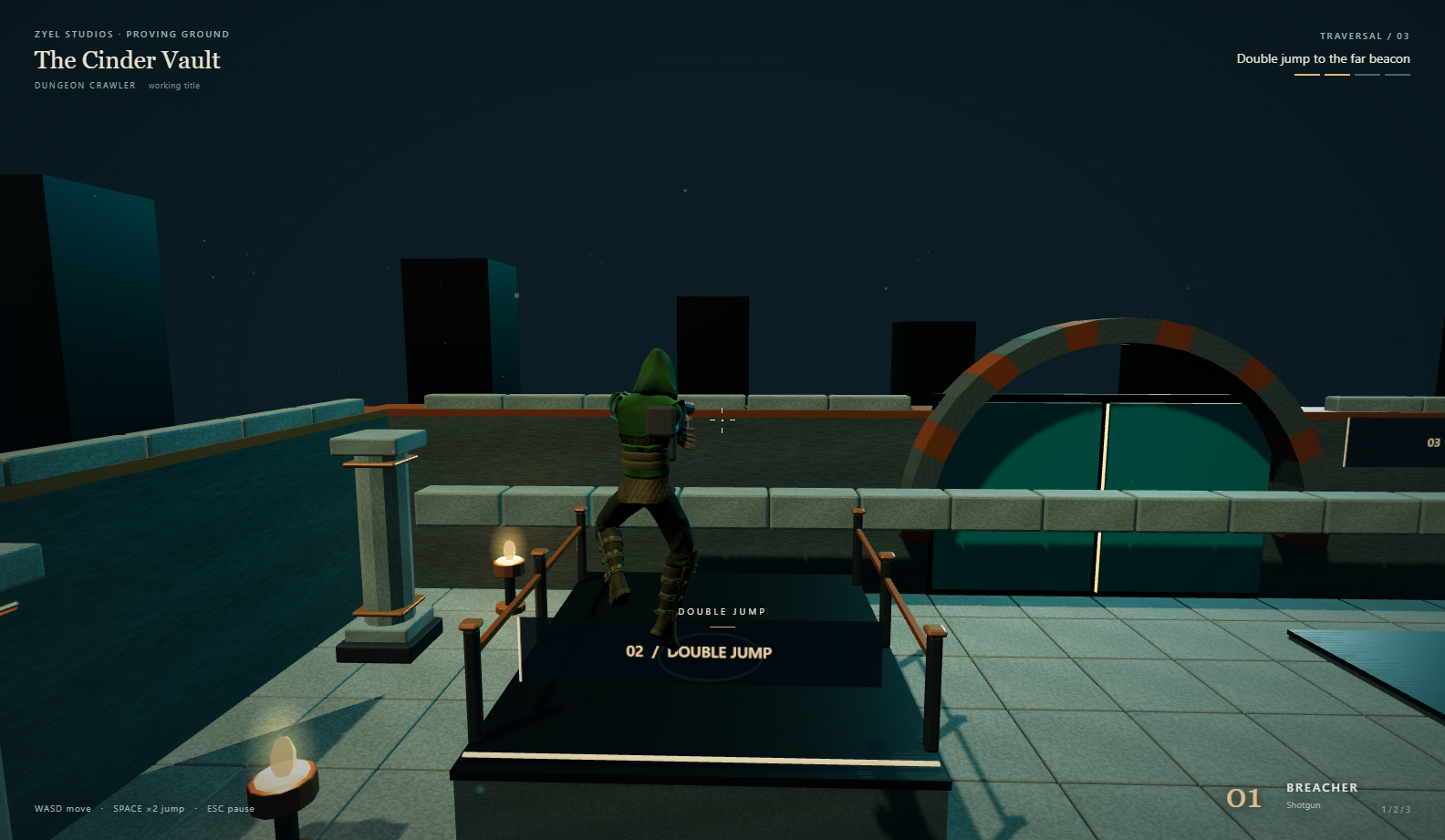
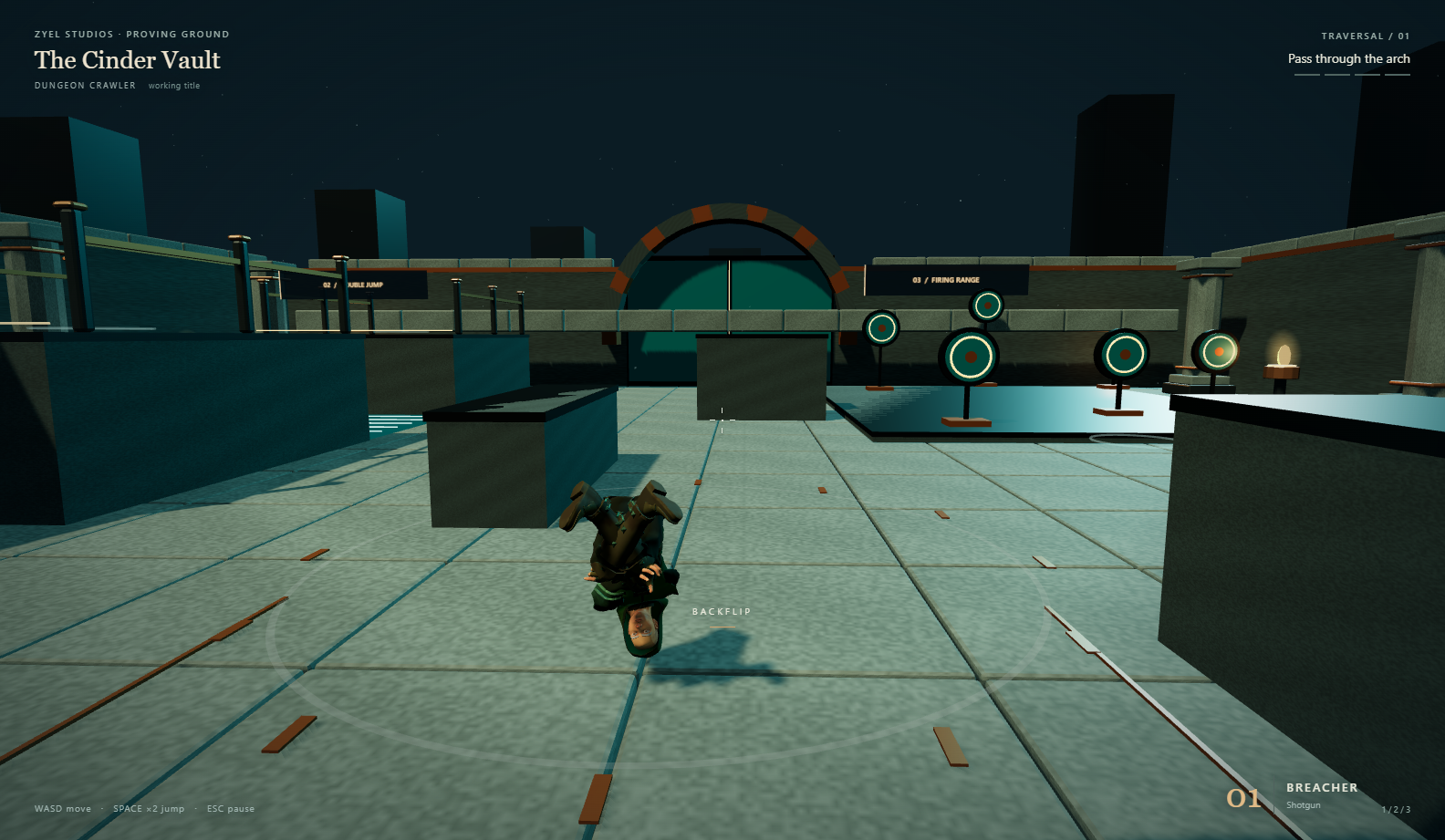
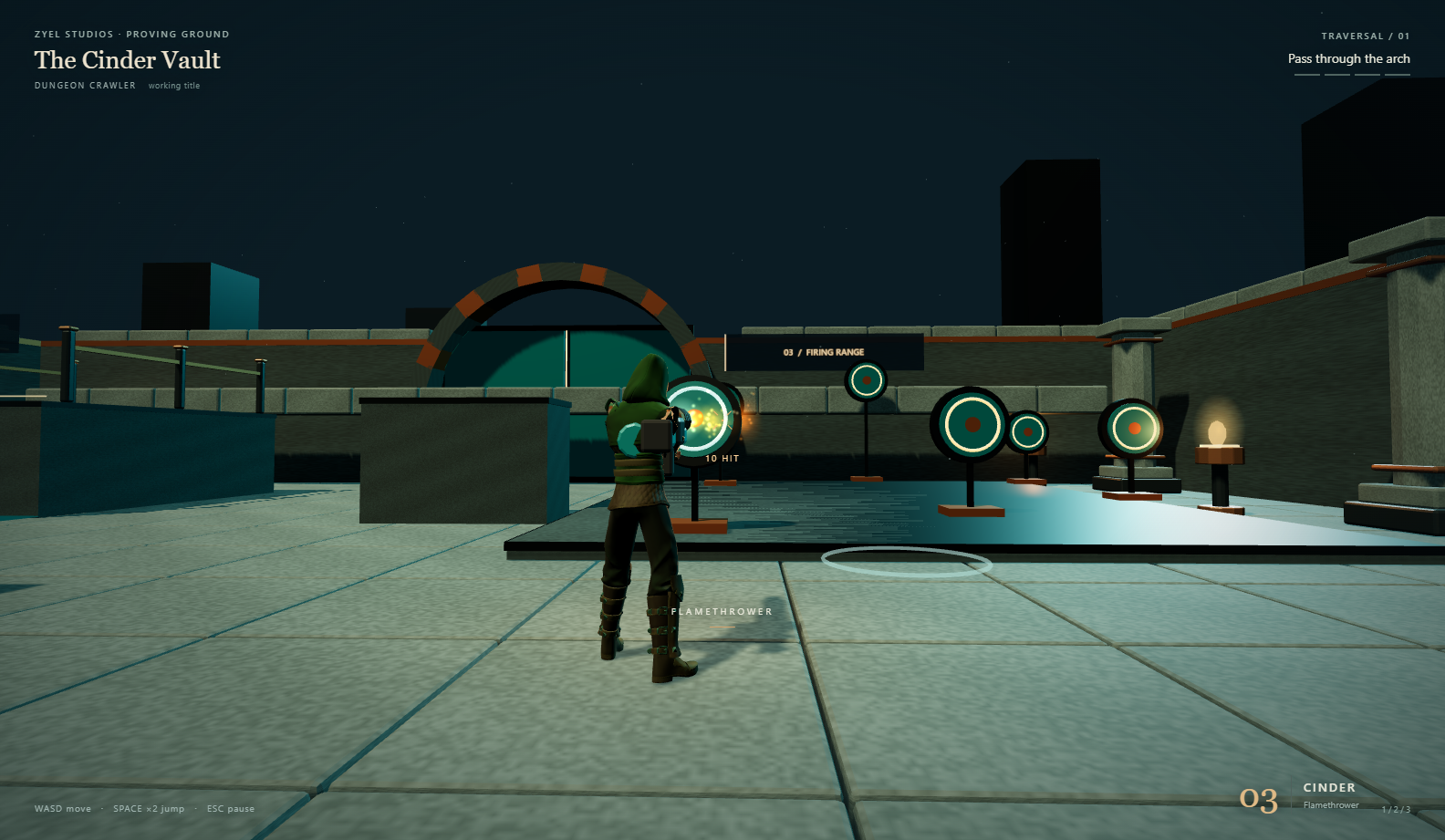
LEARN IT IN A MINUTE
Double taps use separate presses, with a 250 ms window by default. Change timing, sensitivity, sound and graphics from the pause menu.
TAKE THE VAULT WITH YOU
Download the ZIP, extract the whole folder, and open Dungeon Crawler.exe. It includes its runtime and assets and plays offline.
Portable Windows build · 163.8 MB · v0.1.0
Download Windows build ↓Learn the movement controls, adjust the double-tap timing, choose your graphics preset, and read the character and sound credits.
Keyboard + mouse · three graphics presets
Read the launch guide ↗Tested on Ryzel. The measured result and graphics settings are in the test report. Low, Balanced and High presets are included. Laptop performance has not been tested.
Launch guide and tuning · Art and audio licenses · Every required action